Naver Map in English: Why Google Maps Fails in Korea (2026 Guide)
“Why won’t Google Maps give me walking directions?”
If you’ve opened Google Maps in Seoul, you’ve probably seen it: the map loads fine, restaurants have reviews, but tap the walking or car icon and you get nothing. It isn’t a glitch on your phone, and it isn’t a ban on Google. It’s a long-running map data rule, and in 2026 it finally started to change, just not fast enough to help your trip yet.
Here’s the short version: as of October 2026, Google Maps in Korea still only gives public transit directions. For walking and driving, you need Naver Map. This guide explains what changed this year, what still doesn’t work, and how to set up Naver Map in English in about a minute. Everything here was checked against official announcements and news reports as of October 1, 2026.
1. What Google Maps Can and Can’t Do in Korea (October 2026)
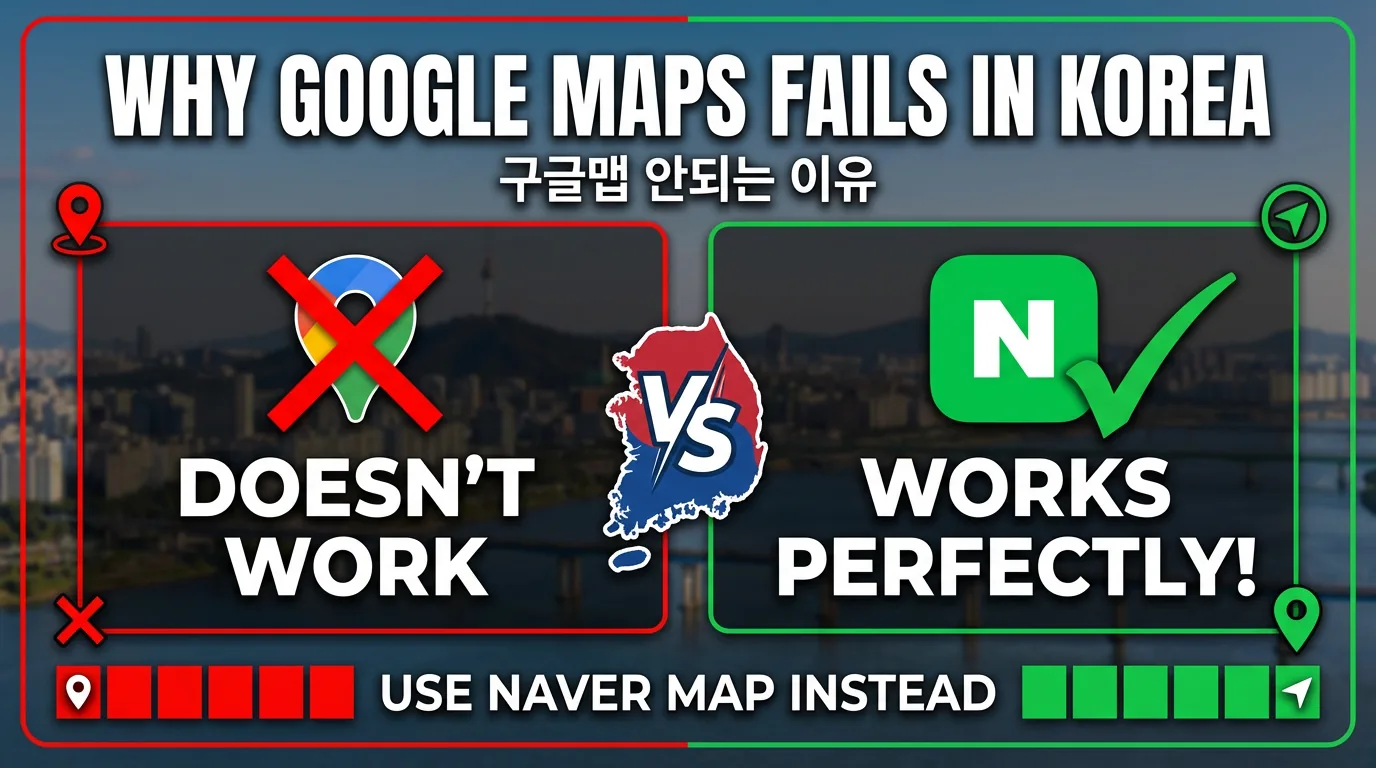
Google Maps isn’t useless in Korea. It’s just missing the part travelers need most: turn-by-turn directions.
| Feature | Google Maps in Korea | Naver Map |
|---|---|---|
| Search places, photos, reviews | Works | Works (many reviews machine-translated) |
| Public transit directions | Works | Works, with live bus and subway arrival info |
| Walking directions | Not available (only dotted lines inside transit routes) | Works |
| Driving / turn-by-turn navigation | Not available | Works |
| English interface | Yes | Yes (also Chinese and Japanese) |
| Restaurant bookings for foreigners | No | Yes, with Passport Verification (since June 2026) |
| Offline use | Limited | No real offline mode |
The Korea Herald summed up Google’s current status in August 2026: Google Maps in Korea offers place listings, reviews, and public transit directions, but no turn-by-turn driving or walking navigation, and walking segments inside transit routes show up only as dotted lines.
2. Why Google Maps Still Doesn’t Work Properly
South Korea restricts exporting detailed national map data overseas on security grounds. Google’s routing needs Korea’s 1:5,000-scale base map, and for nearly two decades the government said no (Google’s requests were rejected in 2007 and 2016).
What changed in 2026
On February 27, 2026, Korea conditionally approved Google’s request to export the 1:5,000 map data. That headline led a lot of people to assume Google Maps would start working right away. It didn’t, because the approval came with strict security conditions, including:
- Raw map data must be processed on servers inside Korea, run by a local partner, with government clearance before anything leaves the country.
- Military and other sensitive sites must be blurred in satellite and aerial imagery.
- Coordinates for Korean territory must be removed or restricted in Google’s global services.
- Contour line data is excluded.
- Google must appoint a Korea-based officer and support an emergency suspension mechanism.
Where things stand now
- August 2026: Google told The Korea Herald its plan is to bring “full-functioning Google Maps capabilities to Korea, which includes turn-by-turn directions, or navigation.” It gave no launch date.
- September 2026: Korean media reported that Google had started blurring military and security facilities in its Korean satellite imagery, one of the key conditions.
- October 1, 2026: driving, walking, and cycling directions are still not available.
Some Korean industry reports point to early 2027 as Google’s target, but there is no official date. If your trip is in 2026, plan as if Google Maps navigation doesn’t exist. Keep Google Maps for browsing and saving places if you like, and use Naver Map to actually get there.
3. Why Naver Map Is the One to Download
Naver Map is Korea’s most-used map app. According to Mobile Index data cited by The Korea Herald, it had about 29.25 million monthly users in April 2026, versus 12.77 million for KakaoMap and 9.08 million for Google Maps.
For travelers, the big advantages are:
- English, Chinese, and Japanese interfaces. Naver has offered multilingual maps since 2018 and calls itself the only Korean map app supporting four languages.
- Walking, transit, and driving directions that actually work, including real-time bus and subway arrival info and subway maps.
- Get-off alerts that tell you when your stop is coming up.
- Translated reviews. Naver uses its Papago translator to show visitor reviews and place filters in English, Chinese, and Japanese.
- Bookings for foreigners. Since June 4, 2026, Passport Verification lets visitors with a non-Korean passport use NAVER Booking, NAVER Order, and payments through Naver Map without a Korean phone number.
What about KakaoMap?
KakaoMap is also excellent for walking and transit, and many locals prefer it. It does have an English option, but travelers regularly report that transit instructions and many place details still appear in Korean. If you can’t read Hangul, Naver Map is the easier main app, and KakaoMap works as a backup.
For taxis, neither map app is the right tool. You’ll want a dedicated taxi app like Kakao T or Kakao’s traveler app k.ride.
4. How to Set Up Naver Map in English (About 1 Minute)
Step 1: Download the app
Search for NAVER Map (네이버 지도) in the App Store or Google Play. Look for the green “N” map pin icon published by NAVER Corp. Do this before your flight, while you’re on Wi-Fi.
Step 2: Allow location access
When the app first opens, it asks for location permission, possibly in Korean. Allow it. Without location access, “from my current location” directions and nearby bus arrivals won’t work.
Step 3: Switch the language to English
- Tap the menu icon (☰) on the map screen.
- Tap the gear icon to open Settings (설정).
- Tap Language (언어).
- Select English and let the app refresh.
Naver updates its menus fairly often, so the exact position of these buttons can move between versions. If you can’t find Language inside the app, try your phone’s settings: Settings → Apps → NAVER Map → Language → English, then reopen the app.
Heads up: English mode translates menus, buttons, station names, and many place names, but some small shops and user reviews will still show Korean. That’s normal.
Do you need a Naver account?
Not for maps and directions. You can search and navigate without signing in. You’ll only need to sign in if you want to save places across devices or use bookings and payments. For bookings, Passport Verification is the route designed for foreign visitors without a Korean number.
5. Using Naver Map to Get Around
Walking directions
- Search for your destination in the search bar (English usually works for well-known places).
- Tap Directions.
- Pick the walking icon. The app uses your current location as the start.
- Follow the route on the map. Walking routes in Naver Map follow real streets and alleys, not straight lines.
Public transit
- Search your destination and tap Directions.
- Choose the transit icon (bus/subway).
- Compare route options by time, transfers, and walking distance.
- Tap a route to see which line or bus number to take, where to transfer, and live arrival times.
Paying for the subway or bus? You’ll need a transit card. If you’re staying in Seoul for a few days, our guide to the Seoul Climate Card tourist pass explains when an unlimited pass is worth it.
Driving
If you’ve rented a car, choose the car icon after tapping Directions and start navigation. Naver Map shows live traffic and route options. Many rental cars in Korea also have a built-in navigation unit, but its voice and menus are often Korean only, so having Naver Map ready on your phone helps.
6. Tips That Save the Most Time
When English search fails, copy the Korean name
Small restaurants and cafes often only have a Korean name. Copy the name in Hangul from the shop’s Instagram, a blog, or a hotel email and paste it into Naver Map. Searching by the shop’s Korean phone number also works well.
Save your key places before you land
Search your hotel, restaurants, and sights and tap the save (star/bookmark) icon to add them to a list. Note that saving across devices requires being signed in.
Don’t count on offline maps
Naver Map has no real offline mode. You may see an option to download map data by region, but that’s for car navigation graphics to save data, not for searching or walking directions without internet. You need mobile data for Naver Map to be useful, so set up an eSIM or pocket Wi-Fi before you go. Our Korea eSIM guide compares the options.
Check hours and break times
Many Korean restaurants close for a few hours between lunch and dinner, and some close one day a week. Check the place page for hours before you head out.
Bookings still depend on the business
Passport Verification opens up Naver bookings, but each business decides what it accepts. If a booking won’t go through, see our guide to using Korean apps without a Korean phone number for alternatives.
7. FAQ
Does Google Maps work in Korea in 2026?
Partly. Search, reviews, photos, and public transit directions work. Walking and driving directions still don’t, as of October 1, 2026. Korea conditionally approved Google’s map data export on February 27, 2026, but the conditions still need to be met before full navigation can launch.
When will Google Maps navigation work in Korea?
There’s no official date. Google has confirmed it plans to bring turn-by-turn navigation to Korea, and some industry reports mention early 2027 as a target, but that hasn’t been confirmed.
Do I need a Korean phone number to use Naver Map?
No. Maps and directions work without an account. For bookings and payments, Naver’s Passport Verification is designed for foreign visitors without a Korean phone number.
Does Naver Map work offline?
Not in a useful way. Searching and directions need an internet connection, so get an eSIM, a local SIM, or pocket Wi-Fi.
Does Naver Map work outside Seoul?
Yes. It covers the whole country, including Busan, Jeju, Gyeongju, and rural areas.
Naver Map or KakaoMap?
For most travelers who don’t read Korean, Naver Map is the better main app thanks to its stronger English support. KakaoMap is a solid backup.
Quick Checklist Before Your Flight
- Install NAVER Map and switch it to English.
- Allow location access.
- Save your hotel and first-day plans in a list.
- Set up mobile data (eSIM, SIM, or pocket Wi-Fi), since Naver Map doesn’t work offline.
- Keep Google Maps for browsing if you like, but navigate with Naver Map.
Last checked: October 1, 2026. App menus and Google’s Korea rollout can change, so check again close to your trip.
Related guides
- Korea Taxi Apps for Tourists: k.ride, Kakao T or Uber? (2026)
- WOWPASS vs NAMANE Card: Which Prepaid Card for Korea? (2026)
- Korea eSIM Guide: Which Network Are You Really Buying?
Sources
- The Korea Herald: Korea clears exporting map data for Google, ends 19-year dispute (Feb 27, 2026)
- JURIST: South Korea conditionally approves Google’s high-precision map data export
- The Korea Herald: Google builds Korea team for full-functioning Maps service (Aug 25, 2026)
- Newsis: Google blurs Korean military and security facilities (Sep 9, 2026, Korean)
- NAVER: Passport Verification for foreign visitors (Jun 9, 2026)
- NAVER: 2026 BE LOCAL campaign and multilingual map updates (Jun 10, 2026)
- NAVER: NAVER Map usage guide in English, Chinese, and Japanese (Dec 30, 2024)
- NAVER: Multilingual translation for place reviews (Oct 2, 2024)
- NAVER Map official guide for international visitors